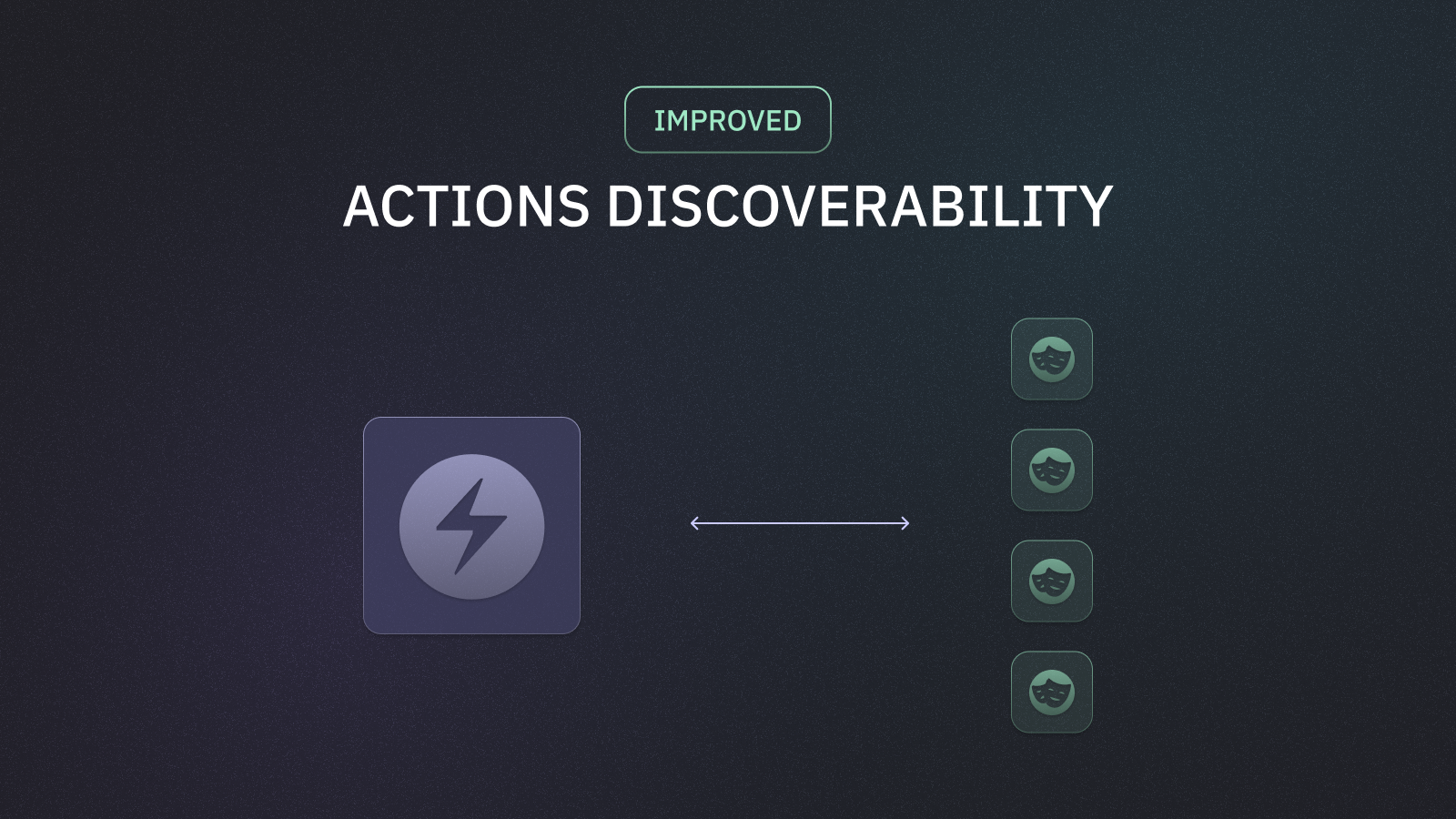
Discoverability for Currents Actions
Teams use Currents Actions to conditionally skip, tag, or quarantine tests, so PRs stay green, and teams and teams aren’t blocked on known flakes or temporary exceptions.
In this release we’ve made Actions easier to trust and debug by surfacing affected tests in two places.
On each Action, you can see which tests it hit in your chosen window, open recent executions, and tie them back to the commits they ran on.
Actions → Affected tests has a project-wide list of tests touched by Actions, with filters and a drill-down so you can see which Actions fired and when—without hopping or guessing.
See which tests each Action touches
Open any Action and scroll to Affected Tests to see tests that matched in your chosen time range
Tune the lookback window to focus on recent runs or a longer history
Expand a test to view recent executions where this Action applied

See all the tests affected by an Action
Open Actions → Affected tests for a project-wide view: every test that matched an Action in your lookback period, with the Actions that applied on each test in one place.
Use Action status and Action type filters to narrow to active rules, skips, quarantines, tags, or other behaviors you care about
Search by test title, spec file, or action name to jump to a specific case

This makes it easier for admins and contributors to reason about Actions in context: fewer surprises in CI and faster answers when someone asks, “which tests is this rule actually hitting?”