Changelog

Follow new updates and improvements to Currents.

Invite guests without using paid seats

You can now add guests to your Currents organization without consuming a billable seat. This makes it easier to bring in stakeholders, reviewers, and cross-functional teammates while keeping paid seats reserved for people who need full write access.

  • Invite teammates as Guests even when billable seats are full

  • Keep billing and seat limits focused on billable members only

This should make it much easier to collaborate with engineering managers, QA leads, support teams, and other stakeholders who need visibility into test outcomes without taking up a paid seat.

Test Suite Size Tracker

Introducing Test Suite Size, a new analytics view that helps you track how your test suite evolves over time. Whether you're expanding coverage, refactoring tests, or debugging unexpected changes, this view gives you complete visibility into your test suite's composition.

  • Track unique test cases and spec files discovered across all CI runs

  • See exactly when and what tests were added or removed from your suite

  • Monitor test growth by branch, tag, or team with flexible grouping

  • Use rolling presence mode to smooth daily fluctuations from partial runs

  • Drill down into any period to see the specific tests that changed

  • Available now for all customers

Unlike run-level metrics that show tests per individual execution, Suite Size aggregates unique tests across all runs in each period. This means you get an accurate picture of your actual test coverage—not just what ran in a single CI job.

The expandable metrics table lets you click into any time period and see exactly which tests were newly detected or no longer running. Combined with grouping by Playwright tags, Git branches, or test groups, you can track coverage evolution across different parts of your codebase.

For teams with tests that don't run every day (scheduled tests, branch-specific tests, or selective execution), the Rolling Presence mode provides a stable view by counting tests seen within a configurable window—helping you distinguish real changes from normal variance.
Slack App Integration

Notify Team Members and Slack Groups about failures and flaky results

Integrate Currents with Slack to receive real-time notifications and failure alerts directly in your team's channels.

The new Slack App helps teams stay informed about test results without leaving their workflow.

  • Threaded run notifications that keep channels organized

  • Individual test notifications for failed or flaky tests

  • Annotation-based mentions to notify the right people from test code

  • UI-configured mention rules to route failures to the right teams

  • Flexible filtering by git branch, tags, test title, and file path

  • Up to 10 destinations per project with independent configuration

  • Available now for all customers

Configure exactly when and how you're notified. Set up run notifications to alert on:

  • all runs

  • only failures, or

  • only flaky tests.

Add individual test notifications to get detailed failure context with error messages and direct links to the Currents dashboard.

Configure Test or Run Slack notifications

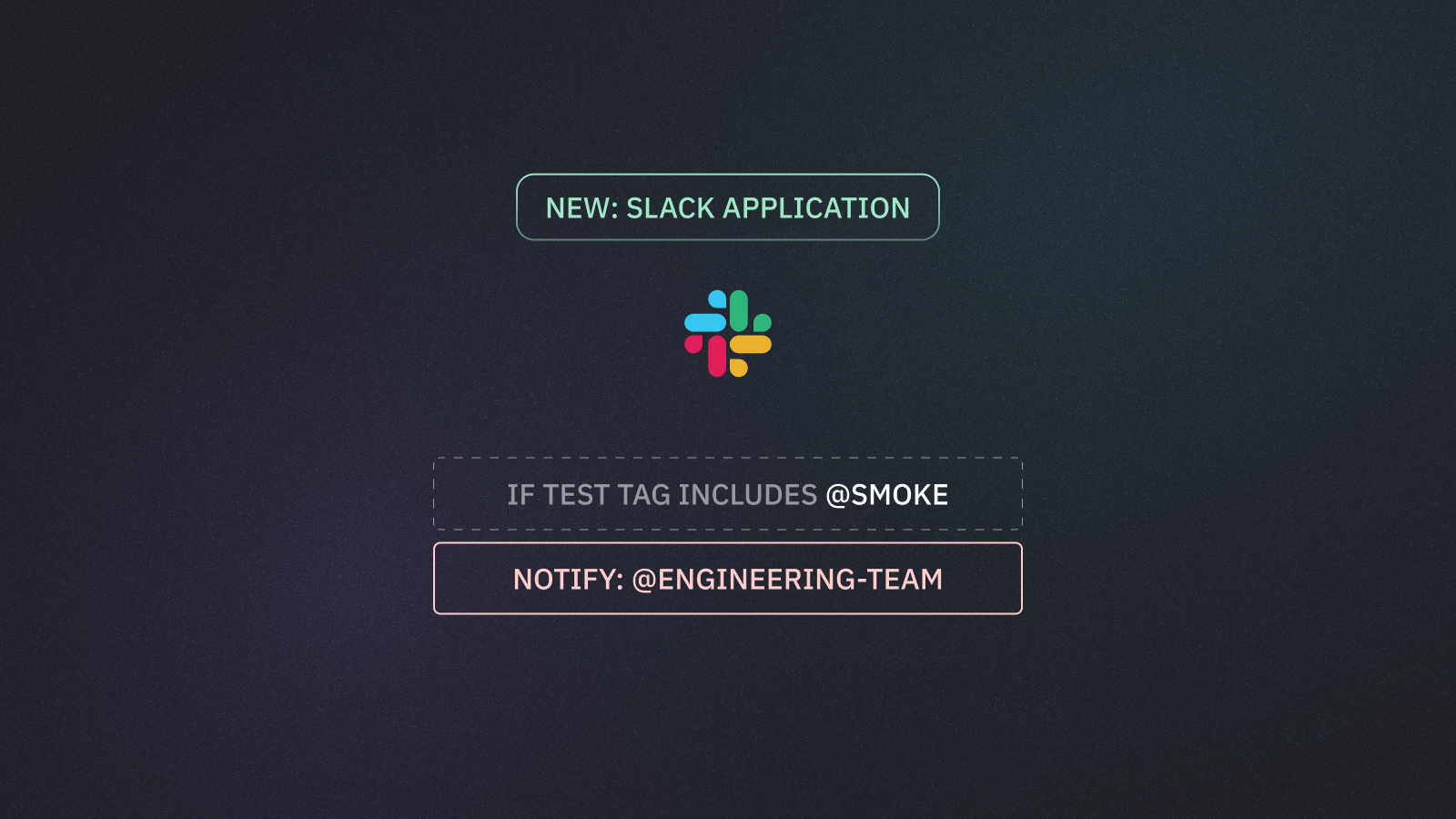
Route failures to the right people or teams using mention rules. Define conditions like test file path or tags, then specify who gets notified—by email, Slack handle, or user group.

Mention test owners or teams when a test fails

You can also add notify:slack annotations directly in your test code to mention specific users when tests fail.

Use Playwright Annotations to configure Slack notifications

Earlier updates